Summary
This free sentence rewriter tightens English text in your browser using fixed, readable rules. It replaces wordy phrases such as "in order to", removes filler words, swaps stiff vocabulary for plain words, adds or expands contractions and splits long sentences at a comma and a conjunction. Four styles are available: concise, simple, formal and casual. Every change is listed under the result with before and after word counts and a reading ease score. It uses no AI model and cannot reword meaning, so read the output before using it.
A Free Sentence Rewriter That Lists Every Change
Paste a sentence or a paragraph, pick a style, and get a tighter version with a plain list of what was swapped. The rules are fixed and run in your browser, so there is no model to trust blindly.
What happens to your text
Fixed phrase lists
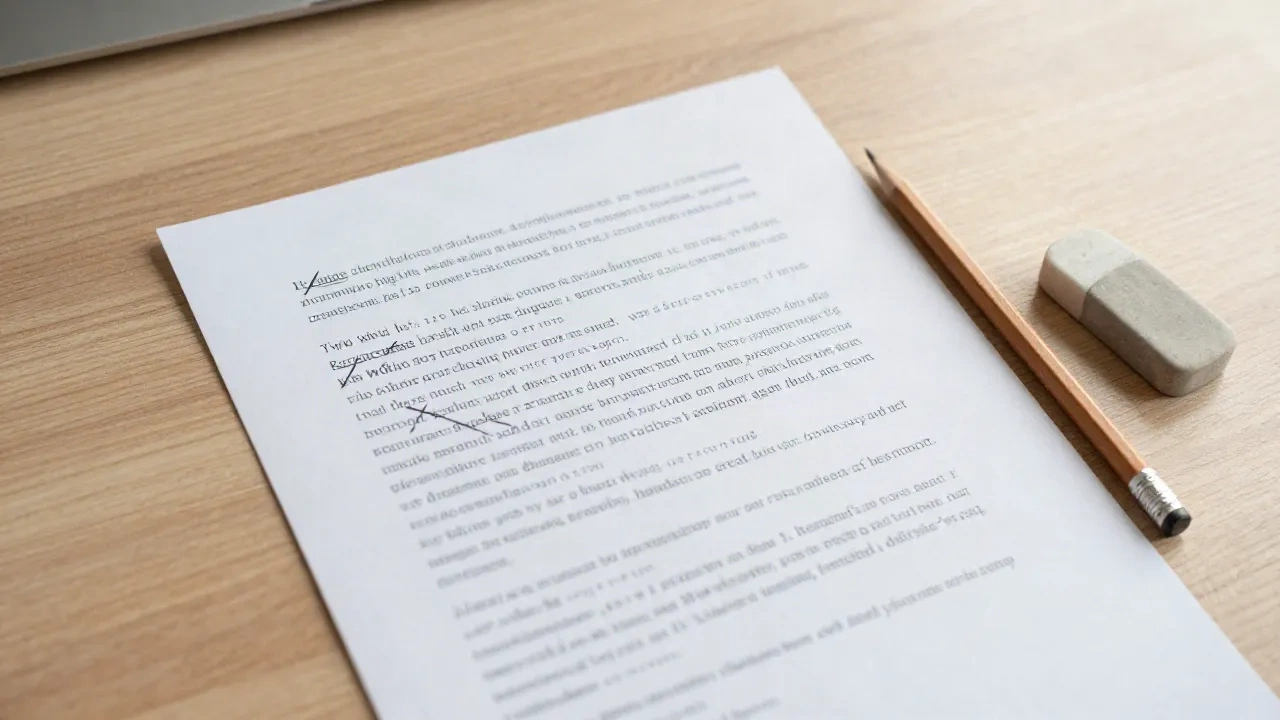
Wordy phrases such as "in order to", "due to the fact that" and "prior to" become "to", "because" and "before". These are the same kind of substitutions that plain language guidance has long recommended. Filler words such as "very" and "really" are removed, and the next word is capitalised when a sentence starts with one.
Four styles, one rule set each
Concise cuts. Simple adds plain-word swaps such as "utilize" to "use". Formal expands every contraction. Casual adds contractions, but only where the next word follows, so "Here it is." is never turned into "Here it's." Each style is a different combination of the same lists.
A splitting rule for long sentences
When a sentence runs past your word limit, the tool looks for ", and", ", but", ", so" or a semicolon. It picks the one that leaves two halves as even as possible, with at least six words on each side. The default limit of 25 words is our setting, not a standard, so change it freely.
Rules can tighten a sentence, not rethink it
A language model can rebuild a sentence from scratch. This tool cannot, and that is deliberate. Every change comes from a list you can read, so two runs on the same text give the same result, and nothing is invented. The cost is range. If a sentence is long because the idea is muddled, no word list will fix it. If it is long because it is padded, the tool usually will. Use it as a first editing pass on your own drafts, then read the output out loud before it goes anywhere.
- Good at: padded phrases, filler words, stiff vocabulary, contractions, run-on sentences joined by a comma and a conjunction
- Blind to: meaning, tone beyond the four styles, passive voice, vague subjects, jargon that is not on a list
- Best used on: emails, product descriptions, intros and support replies of up to a few paragraphs
From a first pass to a finished sentence
-
1
Read the change list first
Each line shows a phrase and what replaced it. If a swap changed your meaning, such as a technical term that happened to be on a list, restore it in your original and run again.
-
2
Check the shortened version aloud
Cutting words can leave a sentence that is correct but abrupt. Reading it aloud is the fastest way to hear where two split sentences need a connecting word, or where a deleted filler was doing real work.
-
3
Compare the reading ease numbers
A higher reading ease score and fewer words per sentence mean the text is easier to scan. If the score barely moved, the problem is probably structure, so rewrite the weakest sentence by hand.
Common questions
Is this sentence rewriter really free?
Does it use AI, and is my text sent anywhere?
How is it different from an AI paraphraser or ChatGPT?
Why did my text come back unchanged?
Does it work in other languages?
Can it make text original or get past an AI detector?
How is the reading ease score calculated?
Want more honest tests of AI writing tools?
aiContentzy reviews and compares AI copywriting tools on real briefs, no fluff, no sponsored puffery.